
Features / Guides / Property Audit
Property Audit
Find blank custom properties across a part or a whole assembly before the drawings go out.
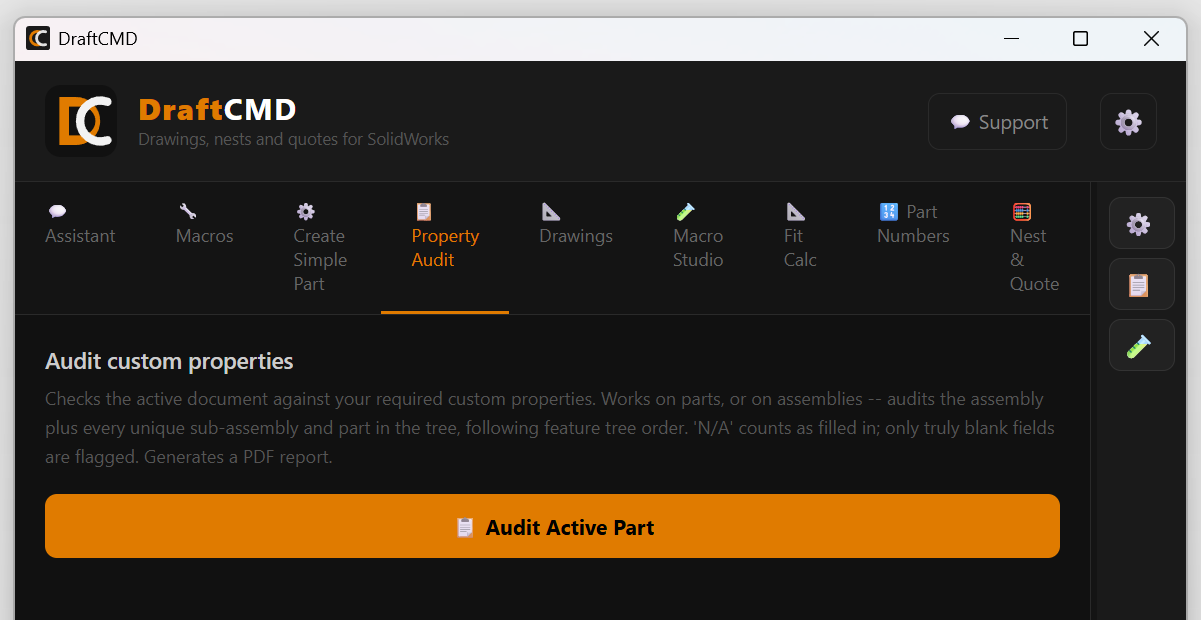
A drawing with an empty material, finish or description field is easy to miss, and expensive when it reaches the shop. Property Audit checks the active document against the custom properties you require.
Parts and assemblies
On a part, it checks that part. On an assembly, it audits the assembly plus every unique sub-assembly and part in the tree, following the feature tree order, so the report reads in the order you build.
What counts as blank
A value of "N/A" counts as filled in, because it tells the reader you thought about it. Only truly blank fields are flagged.
The report
The result is a PDF report you can send to whoever owns the model.
Choose what is required
Which properties are required is set under Settings > Custom Properties. You can also turn on Audit Before Drawing so the check runs automatically before a drawing is made.
What it costs
Nothing. Property Audit does not use credits.